
What an AI manga really changes
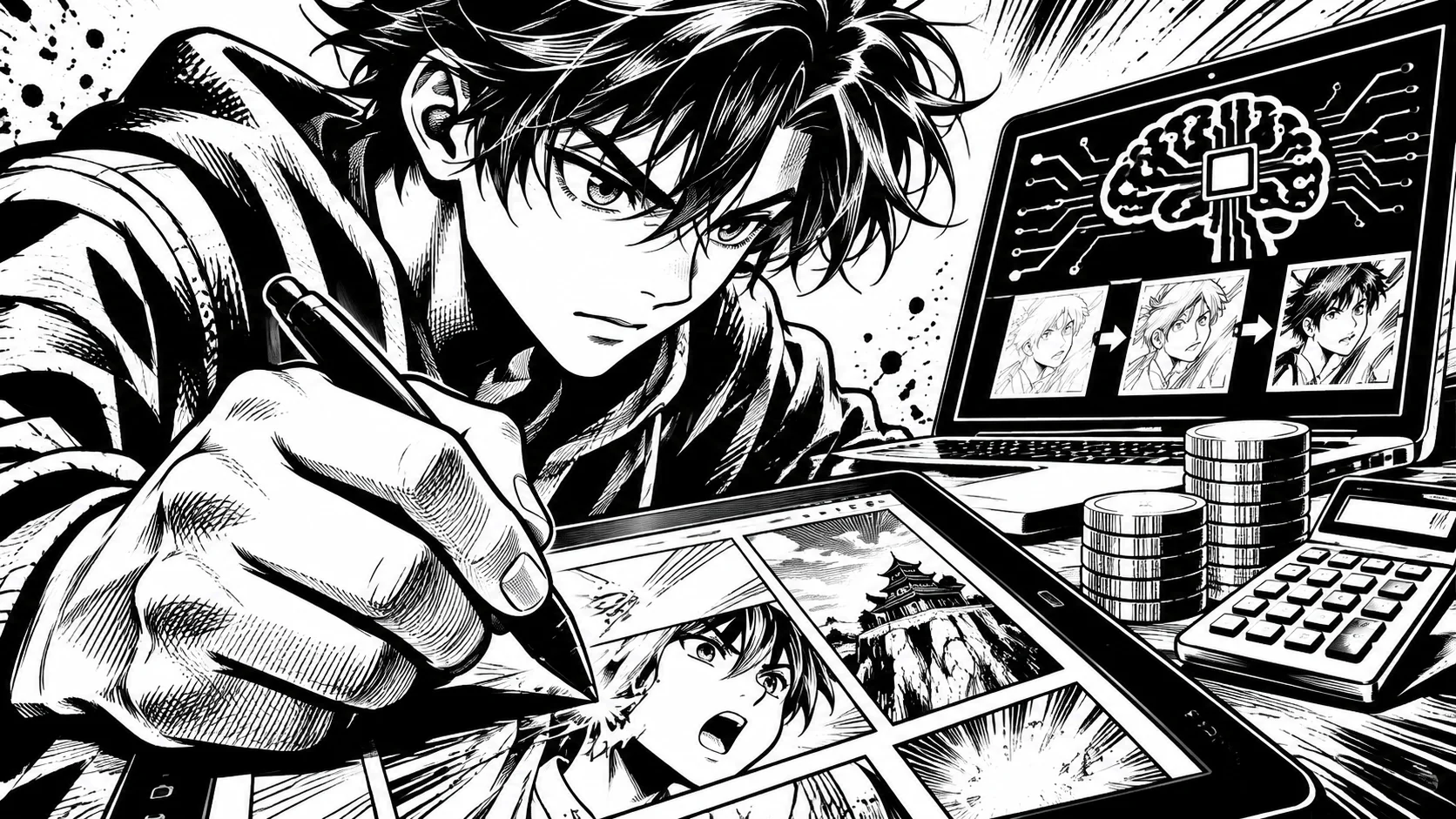
Drawing a page by hand takes hours. An AI generation renders a panel in seconds: Bulle.ai announces results in under 30 seconds. The bottleneck shifts. It is no longer in the pencil, it is in the preparation.
What remains your responsibility:
- the story and its breakdown into scenes;
- character consistency from one page to the next;
- the choice of style and mood;
- proofreading and sorting through failed panels.
A well-made AI manga is recognized by this upstream work, not by the tool.
Another consequence: cost becomes predictable. You buy credits, you know what a project consumes, and you can budget before starting rather than discovering the bill at the end of a chapter.
Step 1: writing the story before generating
First, write a three-sentence summary: who wants what, what is stopping them, how it ends. Then break it down into scenes, and then into panels. A scene should be four to six panels, no more for a first attempt.
Our guide to planning your manga without a detailed script provides a simple framework to follow. A short, clear script yields better pages than a long, vague text.
Step 2: setting your characters
A character who changes faces in every panel ruins the reading experience. Describe each one once, with three or four fixed traits: hairstyle, eye color, clothing, silhouette. Reuse the same character sheet for every generation.
On Bulle.ai, you can create characters from photos and define them once for the entire project, with unlimited character creation. This avoids starting from scratch on every page.
A simple tip: write down a description sentence for each character that you paste as-is into every scene. The more precise the sentence, the less the face drifts. Avoid vague adjectives like "pretty" or "nice" and prefer visible details: lock of hair over the left eye, scar on the chin, high-collared red jacket.
Step 3: Choose the style and generate the panels
The style sets the tone: classic Japanese manga, Franco-Belgian comic strip, American comics. Bulle.ai offers over 20 artistic styles. Choose just one for the whole project, otherwise the pages will no longer match.
Then generate scene by scene. Keep the panel that serves the narrative, rerun the others. Expect a few lost attempts in your credit budget.
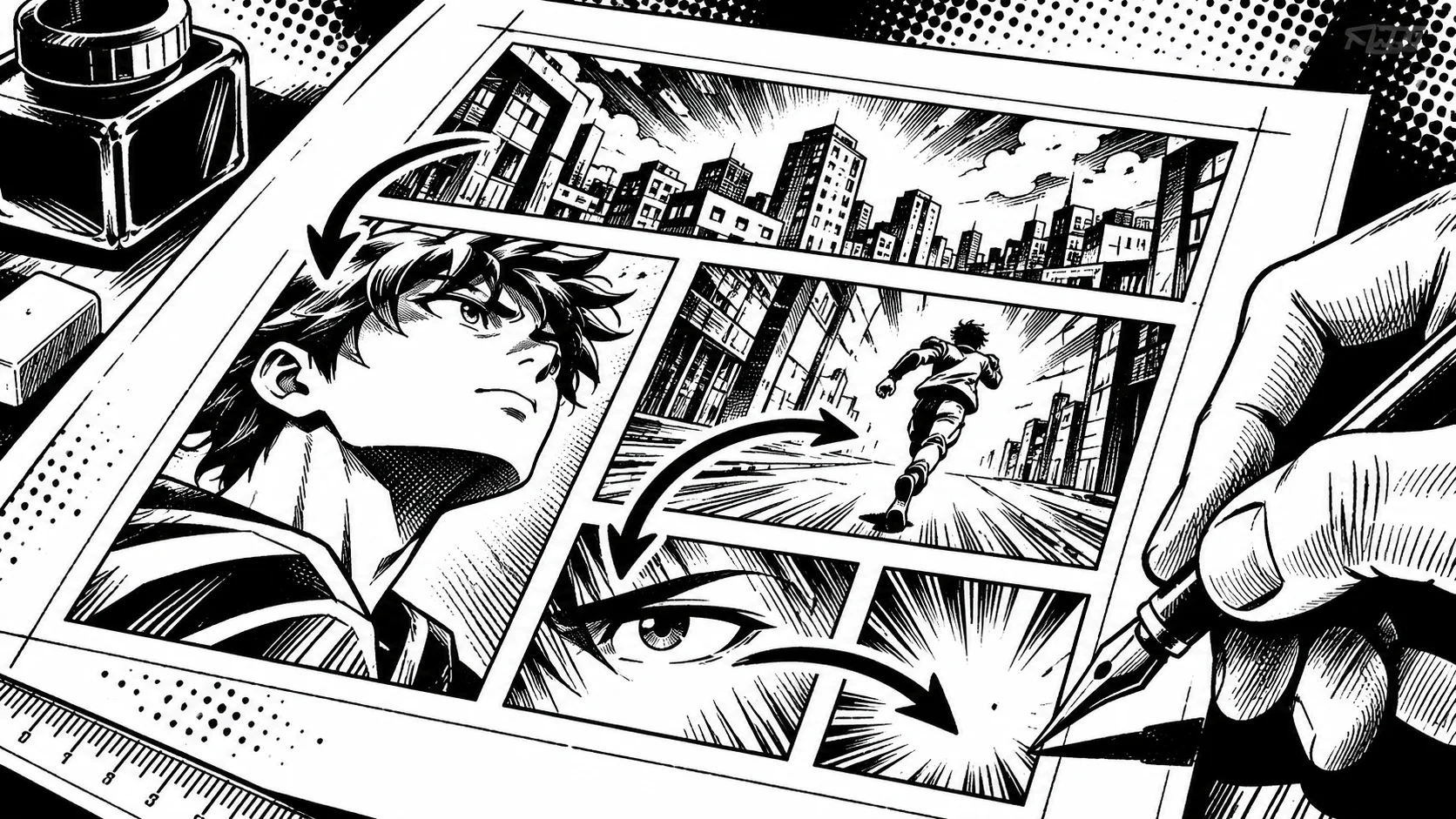
Also think about framing. Specify for each panel whether it is a wide shot, a medium shot, or a close-up, and what the reader should see first. A busy background drowns out the character; a simple background highlights them. Save detailed backgrounds for scene-opening panels.
Step 4: Assemble, proofread, and export
Place the panels on the page, add the speech bubbles, read aloud. If a panel is not understood in two seconds, redo it. For the text, our article on really easy manga drawing subjects also helps you know what you can retouch yourself.
The final export is done in high-quality PDF on Bulle.ai, then you publish wherever you want.
Keep a copy of each page version. If a proofreading reveals a pacing problem, you can go back without consuming credits again.
The mistakes that ruin an AI manga
First attempts almost always fail for the same reasons. Spotting them in advance saves you credits.
- Generating without a script. You get beautiful images that tell nothing, and you have to redo everything.
- Changing styles midway. The reader feels the break as early as the second page.
- Describing a character differently each time. The face, hairstyle, or outfit drifts.
- Keeping the first panel out of laziness. A blurry or poorly framed panel costs more in reading comprehension than a regeneration.
- Forgetting the pacing. A page of six identical panels gets tiring; vary wide shots, close-ups, and silent panels.
A good reflex: have someone who doesn't know the story read the page. If they hesitate on the order of the panels or on who is speaking, that's the page that needs fixing, not the reader.
How much does an AI manga cost
Here are the rates found on the homepage of Bulle.ai during this check. There is no subscription: you buy credits that never expire. Registration is free, but no credits are offered upon registration.
- a manga project consumes 500 credits;
- Beginner pack: €19.90 for 2,000 credits, i.e., 4 projects, so about €4.98 per project;
- Standard pack: €49.90 for 6,000 credits, i.e., 12 projects, so about €4.16 per project;
- Pro pack: €99.00 for 12,500 credits, i.e., 25 projects, so about €3.96 per project.
The amounts per project are calculated from these prices and credits. For a first attempt, the Beginner pack is more than enough. To compare with a traditional budget, read our article on the cost of creating a manga without knowing how to draw.
Conclusion
Creating a manga with AI comes down to four actions: writing the story, setting the characters, choosing a style, assembling. The tool speeds up the drawing, not the thinking. If you want to try it out, Bulle.ai allows you to launch a first project for 500 credits, which is about €4.98 with the Beginner pack.